A landline for kids, without the copper line.
A landline today is a real home phone that runs on your home internet. No phone line from the carrier, no apps, no screen. Here is what it is, who it suits, what you control, and what it costs next to Tin Can, Ooma and Pinwheel.
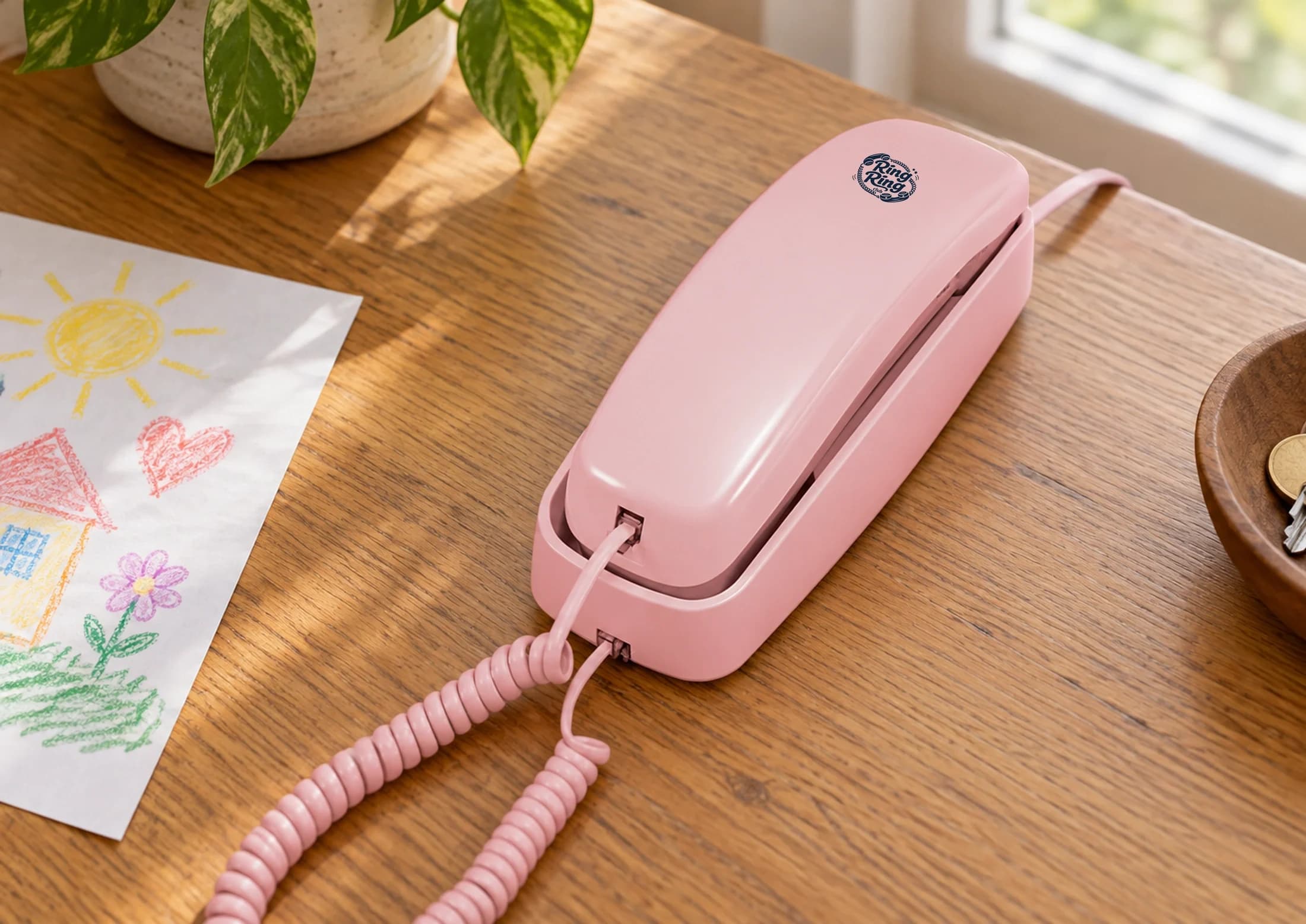
Hardware from
$59
One time
Starter plan
$0/mo
Calls between Ring Ring families
Paid plan
$8.95/mo
Full number, calls to any approved US number
Why give a kid a landline at all
A home phone does one job. For a 6 to 12 year old, that is the point.
It stays in the house
It lives on the kitchen counter or in the hallway. There is no phone to lose at school and no phone in a bedroom at midnight.
No apps, no browser
The handset makes and takes calls. Nothing else is on it, so there is nothing to take away later.
You decide who rings
Only parent-approved contacts can reach the line. You approve them in the parent app before the phone ever rings.
A way to call people
A grandparent across the country, a friend down the street. Your kid dials and talks without you as the switchboard.
A real phone on your home internet
The copper landline most of us grew up with is mostly gone. Carriers have spent a decade retiring it, and the replacement they offer is “everyone gets a cell phone.” A landline today means a real phone that makes calls over the internet you already pay for. It rings, your kid answers, and the internet part is invisible to them.
You don’t need a phone line from the carrier. The Modern Kit is a Wi-Fi handset that runs on your home network after its first setup. The Bridge connects a compatible analog phone to your router with an Ethernet cable. Both need power and working internet.
On the paid plan, the phone gets its own ten-digit number that anyone can dial, and 911 works with a verified address. The step-by-step, from box to dial tone, is in our guide to how a Wi-Fi landline works.
One thing to know before you buy: with no power or internet, the phone is down. A copper line carried its own power. Keep a cell phone in the house for outages.
Ages 6 to 12, before a smartphone
A home phone fits a specific stretch of childhood, and it is fine to say when it does not.
Ages 6 to 12
Old enough to dial and hold a conversation, young enough that the phone can stay at home. It is the age of “can I call Maya?”
The years before a smartphone
A way to phone friends and family while you wait on a smartphone. If you are deciding what comes first, read choosing a first phone and why screen-free.
Not the right tool if
Your child needs to reach you from soccer practice or a friend’s house. A landline stays put. For that, a phone they carry is the honest answer.
You set the rules in the parent app
Parent controls are included on every plan, from the app on your phone or the web dashboard.
Approved contacts
Choose who can call and who your child can call. Add family and friends, and set Quick Dial slots for the people they call most.
Quiet hours
Set the phone to go quiet during dinner, homework or bedtime, on the schedule that suits your family.
A kill switch
Turn the phone off from your own phone when you need to. Turn it back on the same way.
Honest comparisons: Tin Can, Ooma, Pinwheel and a cell phone
Prices are as published on each brand’s US site, last checked September 2026, before sales tax. For one- and two-year totals side by side, use the cost calculator.
Tin Can
$100 handset, then $9.99/mo on the Party Line plan (first month free). Its free Can 2 Can plan includes 911, which ours does not. Returns run 45 days. Tin Can uses its own hardware; Ring Ring also works with a compatible phone you own. More in Ring Ring vs Tin Can.
Ooma MyPhone
$99.99 direct bundle (retail prices can differ), then $7.99/mo plus local taxes and regulatory fees. No free plan; 911 is included with service. A fit if you want an established phone company behind it. More in Ring Ring vs Ooma MyPhone.
Pinwheel Home
Spark $79 or Classic $99 at regular price. The free Pinwheel Circle plan calls other Pinwheel Homes and parent-approved contacts, with 911 included. The Unlimited plan, for any outside number, is $9.99/mo. 30-day money back.
A cell phone
A kids cell phone goes where your child goes, which a landline cannot. Gabb Phone 4 is $169.99 plus $29.99/mo on its Standard plan with a two-year contract. It is also a phone with a screen, so you manage more.
Start at $0/mo, add the full phone number when you want it
Starter plan
$0/mo
Calls between connected Ring Ring families, up to 9 quick dials. No calls to regular numbers and no 911. Hardware is bought separately.
Paid plan
$8.95/mo
A full ten-digit number and calls to parent-approved US and Canadian numbers. 911 needs a verified address, power and internet. Or $96.66 a year. Month-to-month, cancel anytime.
Hardware
$59 to $89
Bridge $59 (bring a compatible analog phone, connects with Ethernet). Modern Kit $75 (Wi-Fi handset). Nostalgic Kit $89 (corded classic, Bridge included). One-time, 30-day returns.
First year with a Bridge and a phone you own: $166.40 on the monthly paid plan, or $155.66 on the annual one, before sales tax. Look at the kits on the Bridge, Modern Kit and Nostalgic Kit pages. Already own a phone? See the Bridge adapter.
Choose the phone for your house.
Pick the hardware, then the plan. Starter is free and connects Ring Ring families; a full phone number and 911 need the paid plan.
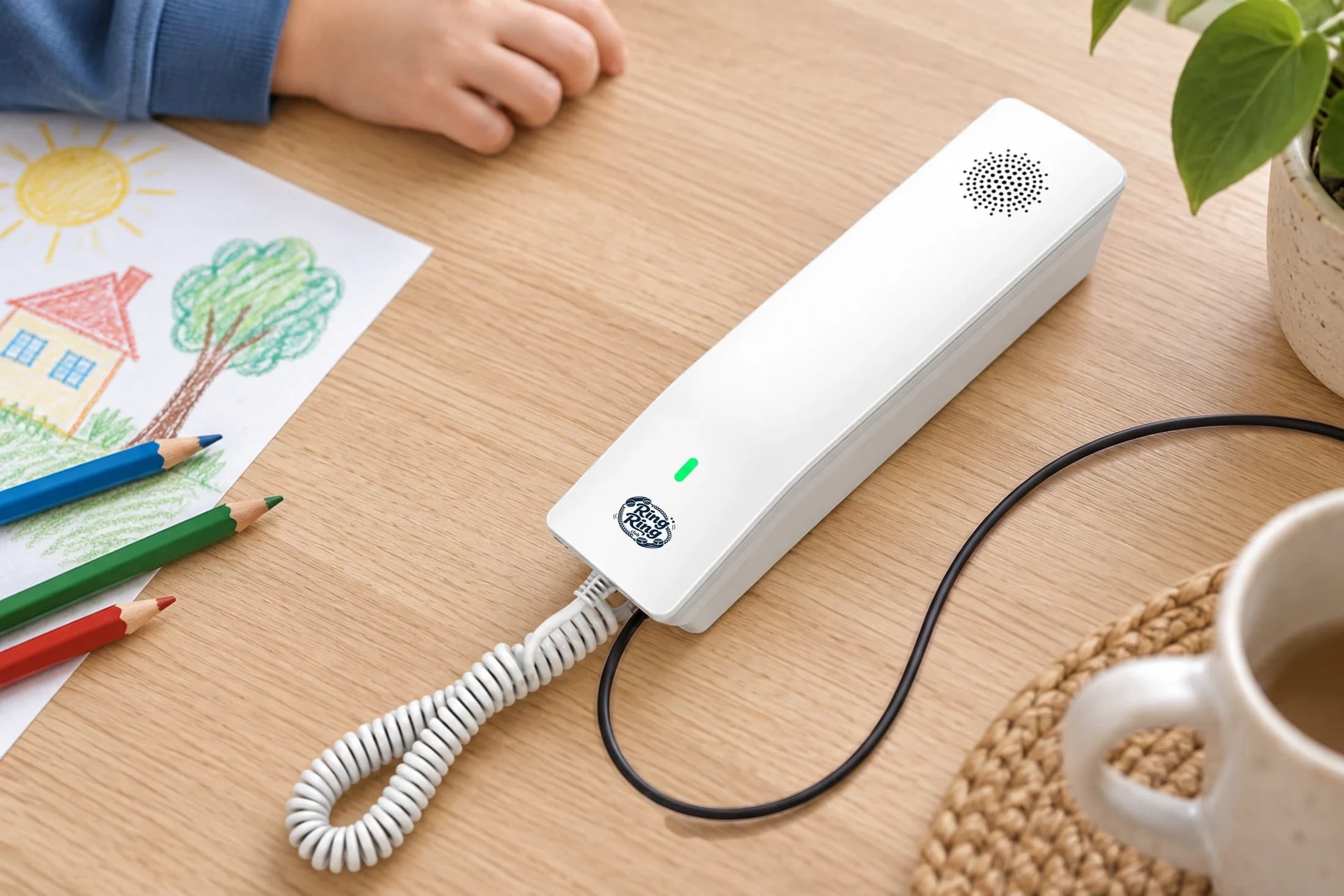
The Modern Kit
$75
Wi-Fi handset, ready out of the box. Black or white.
Pick the Modern Kit →
The Nostalgic Kit
$89
A real corded classic, pre-wired with our Bridge. Black, white, or pink.
Pick the Nostalgic Kit →
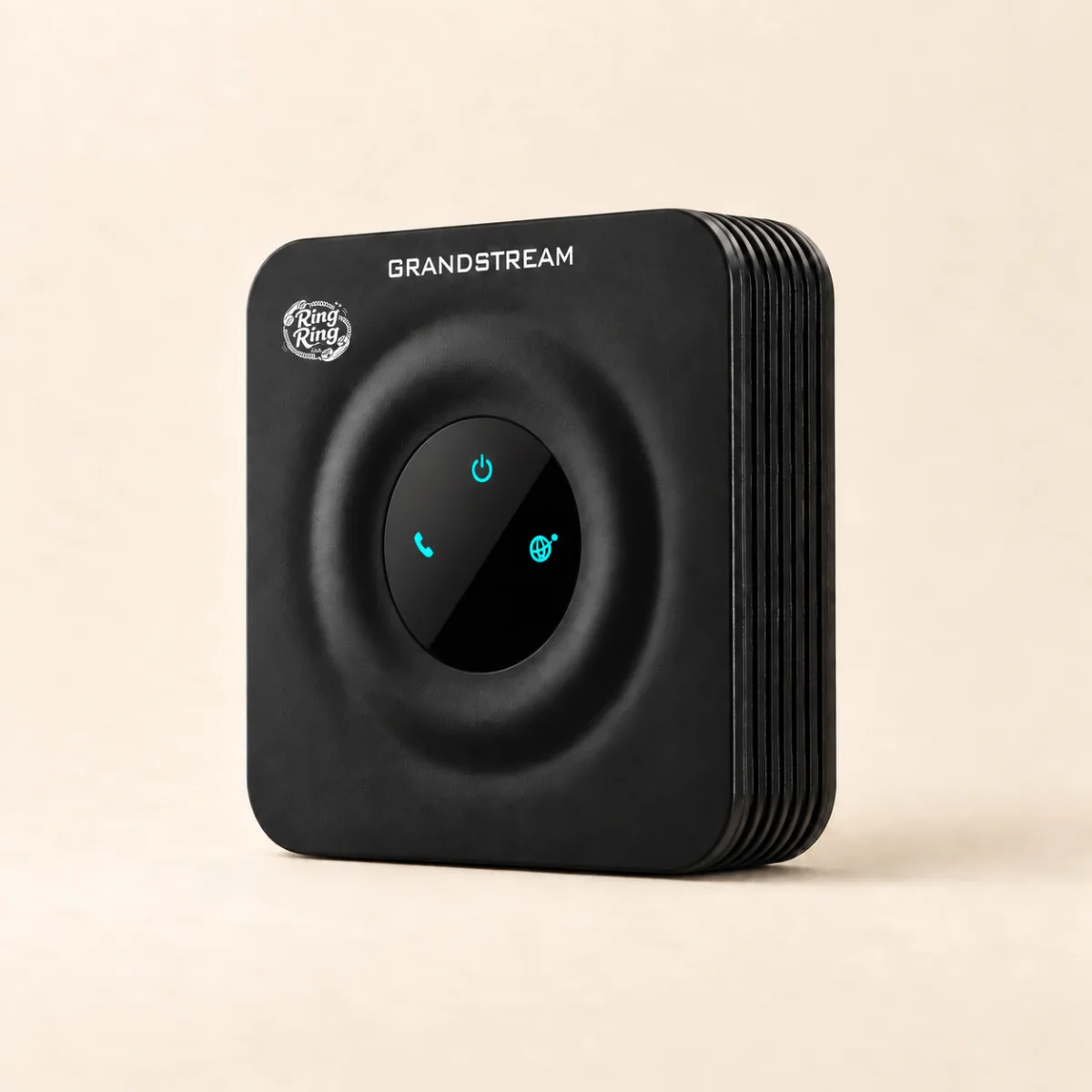
Bridge Only
$59
Plugs into your router and pairs with a compatible analog phone you already love.
Pick the Bridge →
Questions about a landline for kids
Can you still get a landline for kids in 2026?
Yes, but not the copper kind. Major carriers have retired most copper home phone lines, and the replacement they offer is a cell phone. A modern landline is a real home phone that runs on your home internet. Your kid picks up a handset and dials; the internet part stays out of sight. Ring Ring Club is one of these.
Do I need a copper phone line or a landline plan from my carrier?
No. You need home internet and a power outlet. The Modern Kit connects over your Wi-Fi after its first setup. The Bridge connects to your router or mesh unit with an Ethernet cable and gives a compatible analog phone its connection. No phone company installs anything.
What age is a home phone right for?
Ages 6 to 12 is where it fits best: old enough to dial and talk, not yet needing a phone they carry. It suits the years before a smartphone, when your kid wants to call a friend or a grandparent but doesn’t need apps or a browser. If you mainly need to reach your child away from home, a phone they carry is the better tool.
Who can my kid call and who can call them?
You choose in the parent app. Only parent-approved contacts can reach the line. The free Starter plan calls other connected Ring Ring families only, and it cannot call cell phones, outside landlines or 911. The paid plan (8.95/mo) adds a full ten-digit number and calls to parent-approved US and Canadian numbers, cell phones and landlines included.
Does a landline for kids work for 911?
911 works on the paid plan, with a verified service address, power and working internet. It is not available on the free Starter plan. If you move the phone, update its registered address in your dashboard. Keep another way to reach emergency services in case the power or internet goes out.
What happens in a power or internet outage?
The phone stops working. A copper landline carried its own power down the wire; a landline on your home internet cannot. Most families keep a cell phone in the house for this reason, the way landline households did in the 2000s.
Is a home phone cheaper than a cell phone for a kid?
Usually. The Bridge is $59 once, and the Starter plan is $0/mo. With the paid plan, the first year is $166.40 with a Bridge and a phone you already own. For comparison, Gabb’s Phone 4 is $169.99 plus $29.99/mo on its Standard plan with a two-year contract.
Can I use a phone I already own?
Yes, if it is a compatible analog phone. Plug it into the Bridge ($59) and connect the Bridge to your router. If you don’t own one, the Modern Kit ($75) is a Wi-Fi handset that needs no separate phone, and the Nostalgic Kit ($89) is a corded classic with the Bridge included.
Does it stay at home?
Yes, that is the point of a home phone: it lives in the kitchen or the hallway and doesn’t go to school. The Modern Kit can move anywhere your Wi-Fi reaches, but update the registered address for 911 if you relocate it.