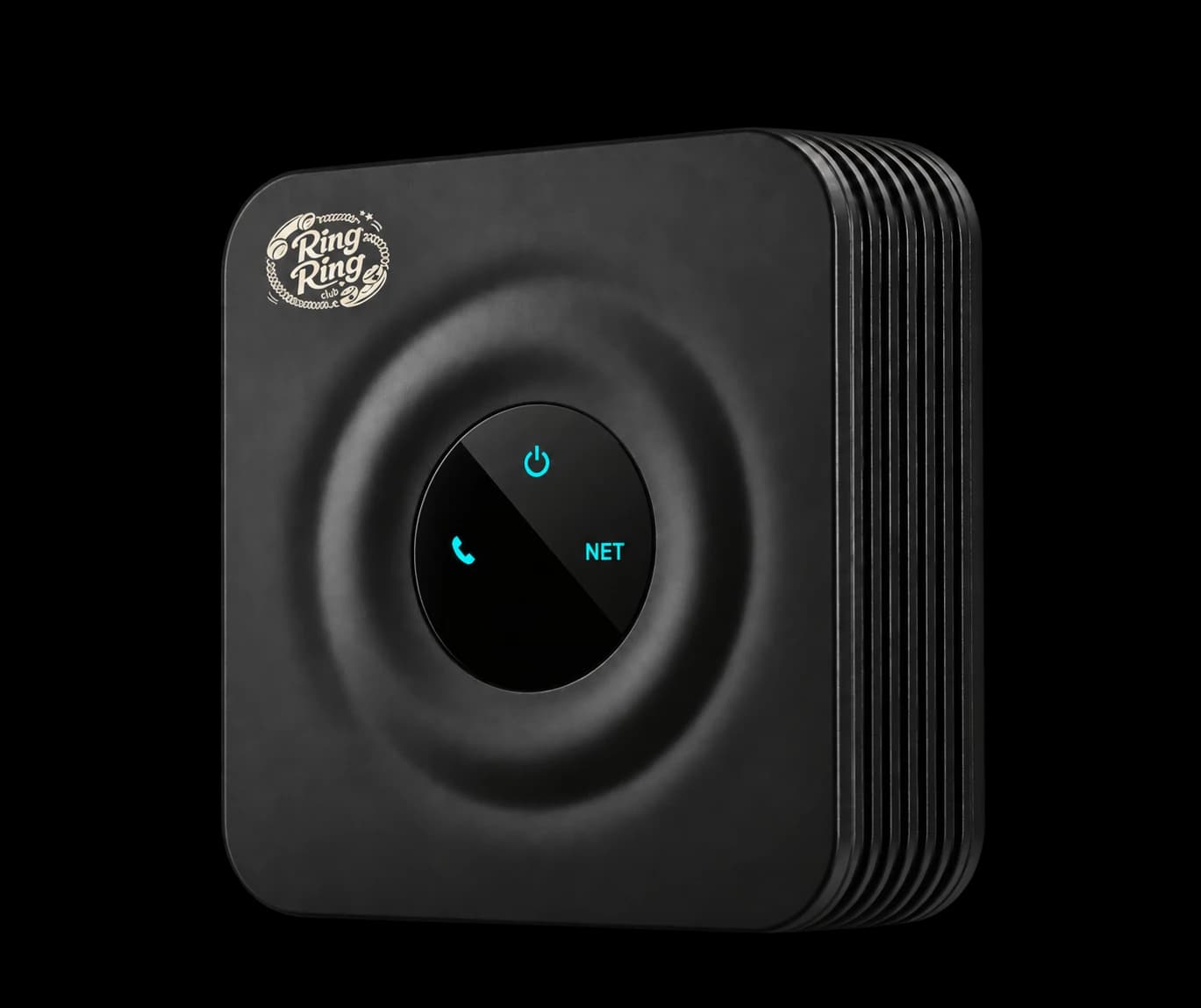
What is the Bridge, exactly?
It's a small router-connected adapter (technically an ATA, or analog telephone adapter) that lets any old-school analog phone make and receive calls over your home internet. RJ11 cable goes from the Bridge into the phone, Ethernet goes from the Bridge into your router or mesh unit, and the phone gets a real ten-digit phone number that anyone in the world can dial.
Will my rotary phone really work?
Most do, on Make It Ring Ring. The Bridge supports pulse dialing, which is what turns a rotary phone's dial into something modern phone networks understand. A rotary dial has no star key, so it can't use Quick Dial or the free Starter plan. We've tested it with phones from the 1950s through the 1990s, but dials vary with age and wear, so if you are unsure about yours, ask us before you buy. Kids think it's magic.
What if I don't already have an analog phone?
Two options. Cheapest: thrift stores and yard sales are full of analog phones for $5–$20. Easier: get our Modern Kit ($75 at /buy) instead of the Bridge. It's a self-contained Wi-Fi handset with no separate phone needed.
Is the Bridge a phone, or do I still need to buy something?
The Bridge is an adapter, not a phone. You also need a regular analog phone to plug into it. If you don't have one, the Modern Kit is the all-in-one alternative. The Bridge is the right pick if you have a phone you love and want to use.
How does the plan work with the Bridge?
Same as with any Ring Ring device. Free Starter Plan ($0/mo) for in-network calls to other Ring Ring families and approved trusted contacts. Add the Make-It-Ring-Ring plan ($8.95/mo) for outbound calls to any phone number. The Bridge hardware is a one-time $59 purchase.
Will it work in a power outage?
No. The Bridge needs internet and power to work. Copper landlines kept ringing during outages because the phone company sent power down the wire; that infrastructure mostly doesn't exist anymore. We recommend keeping one cellphone in the house as the emergency fallback.
Can I use the Bridge with my own router or do I need yours?
Use your existing router or mesh unit. The Bridge connects with Ethernet, and no router configuration is needed. We do not require port forwarding or special firewall rules.
Can I connect the Bridge to the phone jacks already wired through my house?
Yes. Plug the Bridge into any one wall jack (or into a phone that's already in a jack) and every phone on that house wiring rings together, exactly like the extensions you grew up with. Someone can lift a handset in another room to join a call that's already going, too. The one ceiling is ringer load: the Bridge can ring about five old-style bell phones at once. Cordless and other electronic phones draw far less, so you can run more of them.
Does the phone have to sit next to my router?
The Bridge does, the phone doesn't. Use a cordless phone and carry the handset anywhere in range, run a longer phone cord, or plug the Bridge into a wall jack so the phones on your house wiring ring too.
Will a push-button or retro-style phone work, or only true rotary?
Both. The Bridge understands pulse dialing (a real rotary dial) and tone dialing (push buttons, including retro phones that only look rotary), so either kind works.
Can I use the Bridge with another VoIP service?
Yes. The Bridge is standard, unlocked equipment, not a proprietary box, and it is yours to keep. If Ring Ring isn't for you, ask us and we release it from our system; then a factory reset and your new provider's SIP settings put it to work there.
Can two Bridges share one phone number?
Yes, on the Make It Ring Ring plan. Put a Bridge upstairs and one downstairs and both phones ring when the house number is called, and either can call out on it.