A screen-free phone for kids that just rings.
No apps. No browser. No camera. No notifications. Your kid picks up a real handset and talks to a real person. That’s the whole feature set.
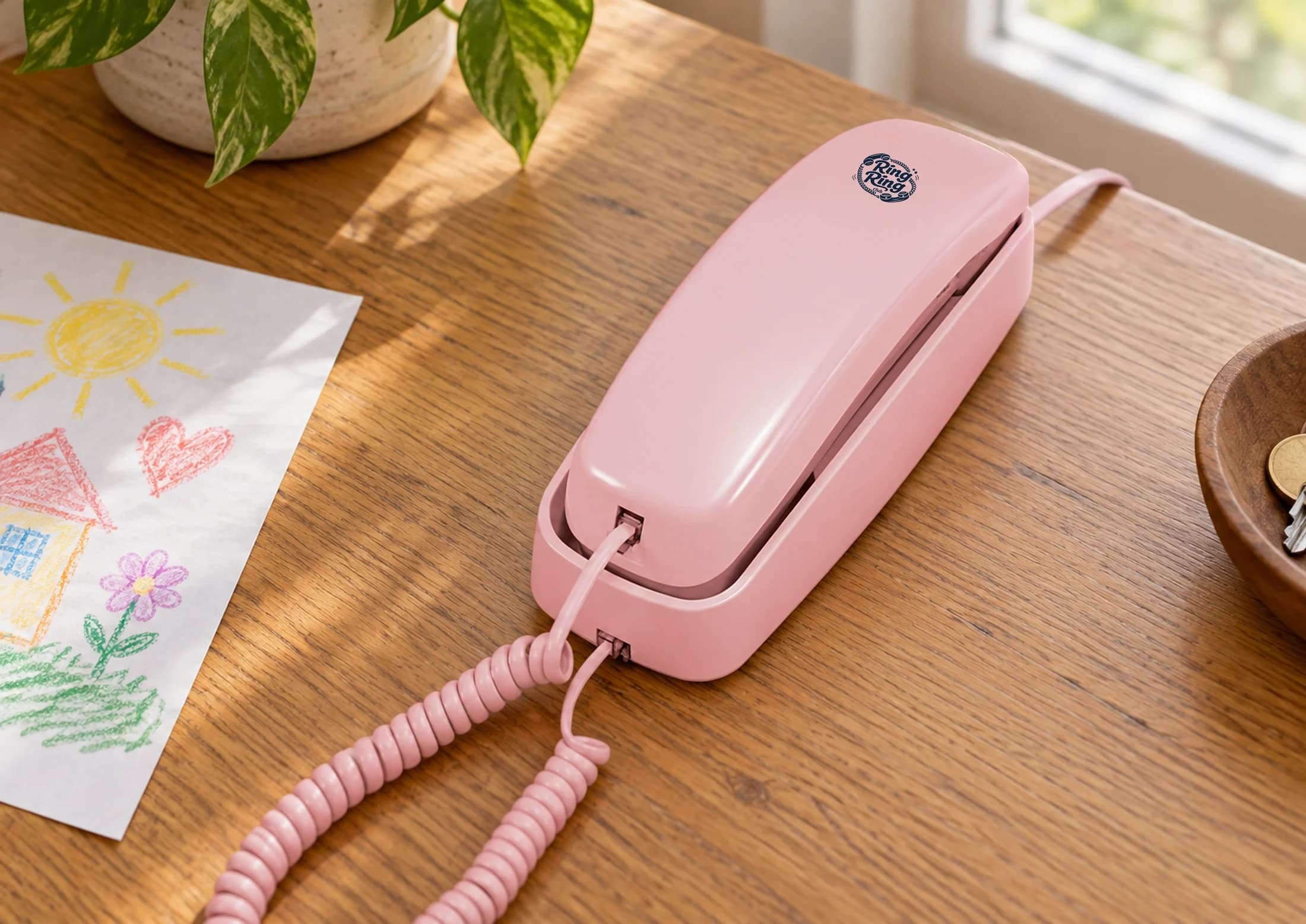
Six things this phone can’t do
Most kids phones are defined by what they have. We’re defined by what we left out.
No apps
Nothing to install. No app store, no TikTok, no Snapchat, no Roblox.
No browser
No web browsing on the handset. Calls still use your home internet connection.
No camera
No selfie pressure, no front-camera anxiety, no DMs full of photos.
No social media
No feeds. No likes. No "everyone else is online and I'm not."
No notifications
No buzz pulling them out of a book or a conversation. The phone rings or it doesn't.
No games
It is not a game console with a phone feature taped on. It is a phone.
A phone for your child. Calling controls for you.
Your child uses a handset to call friends and family. You use the parent app or family portal to set up the phone, approve contacts and manage calling settings.
No browser does not mean no internet connection. The Modern Kit runs over home Wi-Fi after its first setup. The Bridge and Nostalgic Kit connect to your router with Ethernet. All need working internet and power.
Start with the people your child wants to call. Starter connects Ring Ring families for free. The paid plan adds a full phone number and regular-number calling. Emergency calling requires the paid plan, a verified address and working connectivity.
Read our Wi-Fi and Ethernet setup guide for the connections, hardware and plan requirements.
Ring Ring vs flip phones vs kids smartphones
Three different answers to the same question: “what should my kid have instead of a smartphone?”
| Feature | Ring Ring | Flip / feature phone | “Kids smartphone” |
|---|---|---|---|
| Apps installable | None | A few preinstalled | Curated app store |
| Web browser | No | Limited / yes | Filtered browser |
| Camera | No | Yes | Yes |
| Texting | Voice calls only | Yes | Yes |
| Parent controls | Parent app or portal for setup and approved contacts | Varies by model | Varies by model and service |
| Goes everywhere with the kid | Stays at home; needs internet and power | Yes (cellular) | Yes (cellular) |
| Monthly cost | $0 Starter or $8.95 paid plan; hardware extra | $10 to $30 | $20 to $30+ |
Thinking of a home phone in particular? See landline for kids. Looking for the lowest-cost option? See our affordable phone for kids page. Comparing specifically against Tin Can? Tin Can alternative. Against Ooma MyPhone? Ooma MyPhone alternative. Weighing Gabb, Pinwheel, or a flip phone? Our honest comparison of the alternatives lays out prices and tradeoffs.
Two devices, two plans, no surprises
Bridge adapter
$59
Connect a compatible analog phone to the Bridge, then connect the Bridge to your router with Ethernet. The handset and any display are your choice. Rotary phones require the paid plan.
Modern Kit
$75
A screen-free corded handset with a speakerphone. First-time setup uses the included Ethernet cable. After setup, it runs on home Wi-Fi. No separate Bridge or analog phone needed.
Starter Plan
$0/mo
Calls between connected Ring Ring families, with no monthly plan charge. Hardware is purchased separately. No calls to regular numbers or 911.
Make-It-Ring-Ring
$8.95/mo
Adds a full phone number and calls to regular numbers, with parent controls. 911 requires a verified address, power and working internet. Month-to-month, cancel anytime.
What screen-free looks like in the box.
Our kits have no screens. The Bridge works with a compatible phone you choose. Hardware is a one-time purchase; pick a calling plan separately.
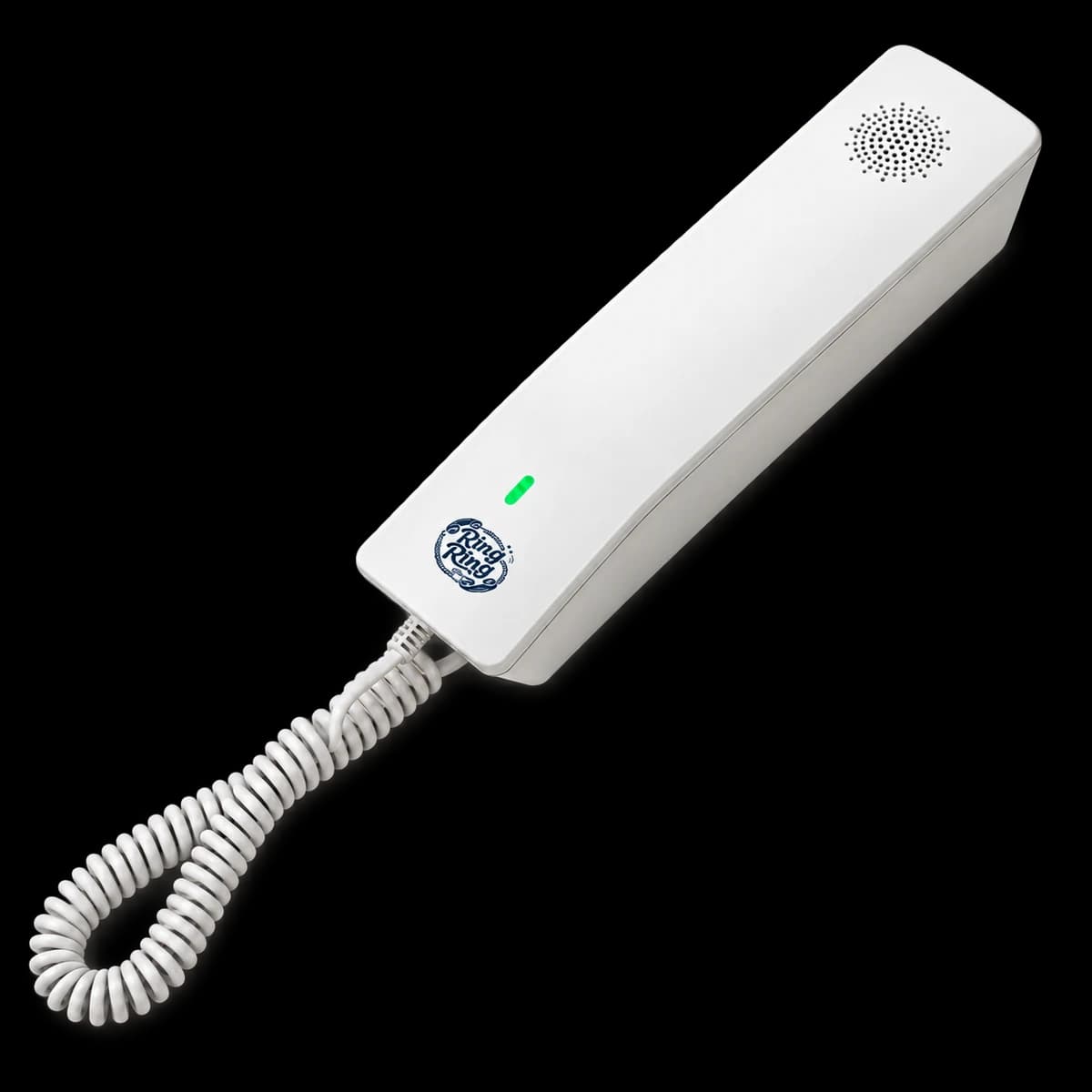
The Modern Kit
$75
Wi-Fi handset, ready out of the box. Black or white.
Pick the Modern Kit →

The Nostalgic Kit
$89
A real corded classic, pre-wired with our Bridge. Black, white, or pink.
Pick the Nostalgic Kit →
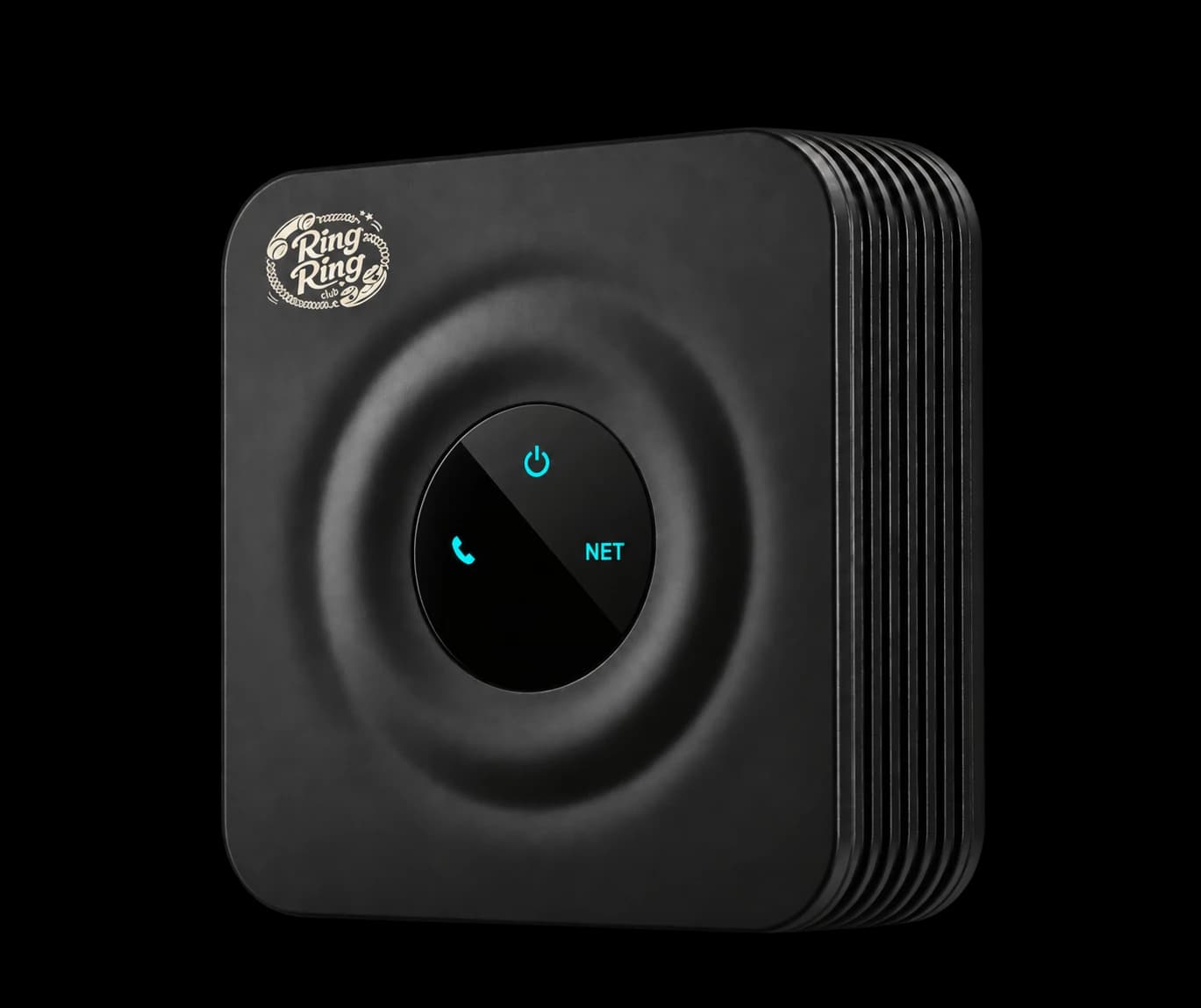
Bridge Only
$59
Plugs into your router and pairs with a compatible analog phone you already love.
Pick the Bridge →
Common questions about screen-free
What does "screen-free" actually mean here?
The Modern and Nostalgic kits have no screen, apps, browser or camera. With the Bridge, you bring a compatible analog phone, so any display depends on the phone you choose. A parent uses the Ring Ring app or family portal to set up the phone and manage contacts.
How is this different from a flip phone or feature phone?
Feature phones still have screens, cameras, and texting, and they're built for a single user holding them everywhere. Ring Ring is a home phone for the whole family. The Modern Kit uses Wi-Fi after its first setup. The Bridge connects a compatible analog phone to your router with Ethernet. No camera. No texting. No carrying it to school. It's a different product designed for a different stage of childhood.
How is this different from a "kids smartphone" with parental controls?
Kids smartphones vary in the apps and controls they offer. Ring Ring focuses on calls from a shared home phone. There are no apps or feeds on our handsets, while parents manage approved contacts and calling settings in the Ring Ring app or family portal.
What ages is this best for?
The families who buy Ring Ring most often have kids between roughly 6 and 12: old enough to want to call friends without parents dialing, young enough that a smartphone would be a big leap. It also works well for older kids whose families have decided to delay the smartphone, and as a transitional setup before a first cellphone.
Will my kid be left out without a "real" phone?
In our experience the opposite happens. Kids on Ring Ring become the friend other kids actually call, because picking up a ringing phone is something every kid can do, even before they have a phone of their own. We hear from families whose kid suddenly has more friends calling, not fewer.
Can we use it without a monthly bill?
The Starter plan costs $0/mo for calls between connected Ring Ring families. Hardware is a separate purchase: $59 for the Bridge adapter or $75 for the Modern Kit. The $8.95/mo paid plan adds a full phone number and calls to regular numbers. Starter does not include 911. Rotary phones need the paid plan.