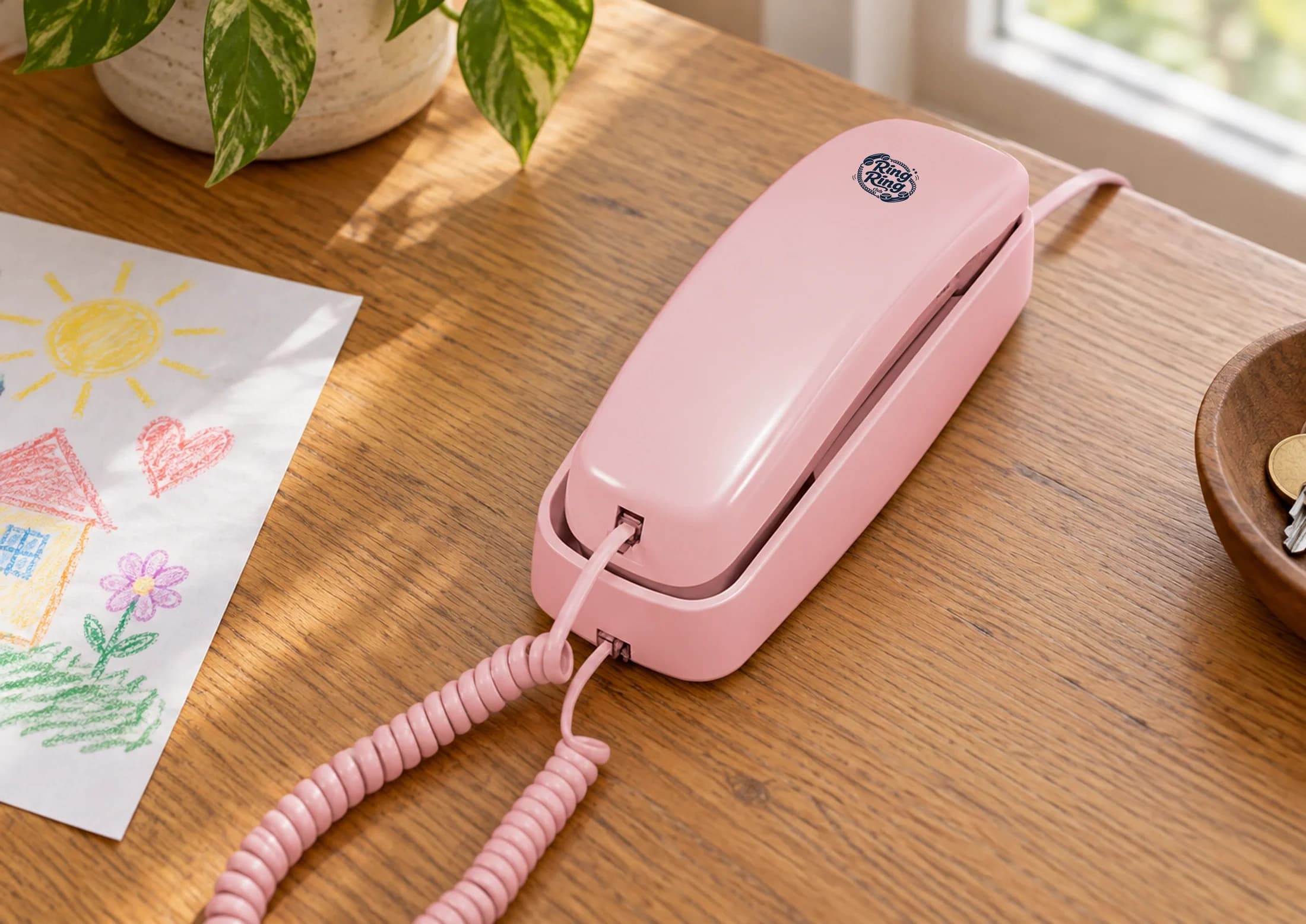
Turn any old phone into a working phone for your kid — even a thrift-store rotary
That corded handset in the back of the closet — the one that came with the house, or the one your parents used in the 1990s — is not junk. With the right adapter and a Wi-Fi connection, it can be a fully working phone for your child in about 20 minutes. No new phone number purchase, no monthly plan drama, no screen.
The same goes for a thrift-store find. Goodwill and Salvation Army stores routinely sell corded handsets for $2–$6, and rotary phones for $8–$15. Any phone with a standard RJ11 jack can be turned into a working kids phone. This guide explains exactly how.
Why an old handset is actually ideal
There is a reasonable argument that an old corded phone is better for a young child than a purpose-built kids device. Here is the logic:
- No screen, by design. A rotary or push-button corded phone has nothing to look at. It rings; you pick it up; you talk; you hang up. The entire interaction is about the call, not the device.
- Durable. Phones from the 1970s–90s were built to be dropped, used by kids, and last decades. A corded handset is harder to break than a purpose-built kids phone that costs several times more.
- Familiar to grandparents. A child who calls grandma on a rotary phone is calling on something grandma immediately recognizes. There is something genuinely nice about that.
- Cheap to replace. If the phone gets damaged, you find another one at the thrift store for $5. Low stakes mean kids can take ownership of it.
What you need
Three things:
- A corded handset with an RJ11 connector. This is the standard rectangular phone plug. Almost every corded phone made since the 1960s uses it. Rotary phones use it; push-button phones use it; cordless base units use it. If the phone has a cord going into the wall, it has an RJ11 jack.
- An adapter that provides a dial tone over your internet connection. Ring Ring’s Bridge adapter is purpose-built for this: plug any corded handset into the Bridge’s RJ11 port, connect the Bridge to your router with the included Ethernet cable, and the handset gets a real local phone number within minutes. The Bridge costs $59 one-time; the Starter Plan is free.
- A working home internet connection. You will need a free port on your router or mesh unit. VoIP calls use very little bandwidth; a standard residential connection is more than enough.
That is the complete list. No phone company account, no coaxial cable, no in-wall wiring. You plug the Bridge into power, connect it to your router, and plug in the handset.
Step-by-step: getting an old phone working
- Find or retrieve your handset. Check the closet, the garage, or a thrift store. Confirm it has an RJ11 jack (the small rectangular plug on the cord). Plug it into a standard phone jack if you have one, pick up, and listen for a dial tone — this confirms the handset itself is working. If you have no active phone jack, skip this step; most handsets work fine.
- Set up the Bridge. Plug the Bridge into a standard electrical outlet near your router, then run the included Ethernet cable from the Bridge’s Internet port to a free port on the router or mesh unit. There is no app pairing and no Wi-Fi password — it configures itself in about a minute. The Phone light on the Bridge settles to steady once your line is registered.
- Connect the handset to the Bridge. Use the RJ11 cable on your handset (or a short extension cable if the handset doesn’t reach the outlet where the Bridge is plugged in). Plug the handset’s cord into the Bridge’s phone port. Pick up the handset — you will hear a dial tone within 5 seconds.
- Note your phone number. The Ring Ring app shows the local number assigned to your Bridge under Devices. This is the number family members can call to reach your child. Write it down and share it with grandparents, your co-parent, and anyone else in your child’s Trusted Circle.
- Build the Trusted Circle. In the app, under Contacts, add the people your child should be able to call — and who can call in. Unknown callers are not connected. For a typical family this takes 2–4 minutes.
- Test it. Have someone call the number from a mobile phone. Have your child pick up. Then have your child place a call to someone in the Trusted Circle. Both directions should connect clearly. Rotary phones work fine over VoIP — the adapter handles the pulse-to-tone conversion automatically.
- Place the phone. Put it on the kitchen counter, in the hallway, or in your child’s room. A fixed location helps kids build the habit of knowing where to find it.
Thrift-store tips
If you are sourcing a handset from a thrift store rather than the closet, a few things to check in the store:
- Confirm the RJ11 jack is present and undamaged. Look at the bottom or back of the phone where the cord connects. If it is cracked or missing, pass.
- Check the handset cord. Most stores leave the original cord with the phone. Unwind it and look for kinks or fraying near the connectors. A damaged cord causes poor call quality; a replacement costs $3 on Amazon.
- Rotary phones: check the dial. Spin the dial on a rotary. It should return smoothly to position. A sticky or slow-returning dial means internal spring wear — it will still work but will be frustrating for a child to use.
- Brands to look for: Western Electric (AT&T era), Northern Telecom, and ITT phones from the 1970s–80s are built like tanks. More recent Panasonic and VTech corded phones are lighter but work just as well.
The broader context
This setup is a specific use of a Wi-Fi landline — a home phone that runs over your internet connection instead of a copper phone line. Our Wi-Fi landline guide covers the broader picture: what it costs, how it compares to cellular options, and who it makes the most sense for. The short version: if your child is under 10, at home most of the time, and the problem you are solving is home communication rather than portability, a Wi-Fi landline is almost certainly the most cost-effective option — and the old handset in your closet (or a $6 thrift-store find) makes it one of the most charming ones too.
A real phone number. A real dial tone. A real conversation. That is what a 50-year-old handset connected to a modern adapter gives your child. Some things genuinely do not need to be improved.
Keep reading
- How to set up a Wi-Fi landline for kids (step by step)A practical walkthrough for parents who want a home phone for their child without a phone-company landline. No new wiring, no monthly phone bill.
- What age should a kid get their first phone?There is no single right age. But there are clear signals. A plain-language guide to the decision most parents face between ages 6 and 13.
- Screen-free phones for kids: the honest alternatives (2026)Six real options for parents who want their child to be reachable without handing them a smartphone. Prices, tradeoffs, and who each option fits best.